Integrations
Forward your line from any carrier today. Calendar sync and field software connections are in development or planned.
Most integrations pages are forty logos. This one is short, and every line on it says whether the thing works today. Right now, what works is your phone line, the appointments board, text confirmations to callers, a call-history CSV export, email alerts, a weekly email and a lead list. Nothing else is live yet, and this page will not tell you otherwise.
Below is what works, how to work without an integration, and what “in development” and “planned” mean here.
What works today
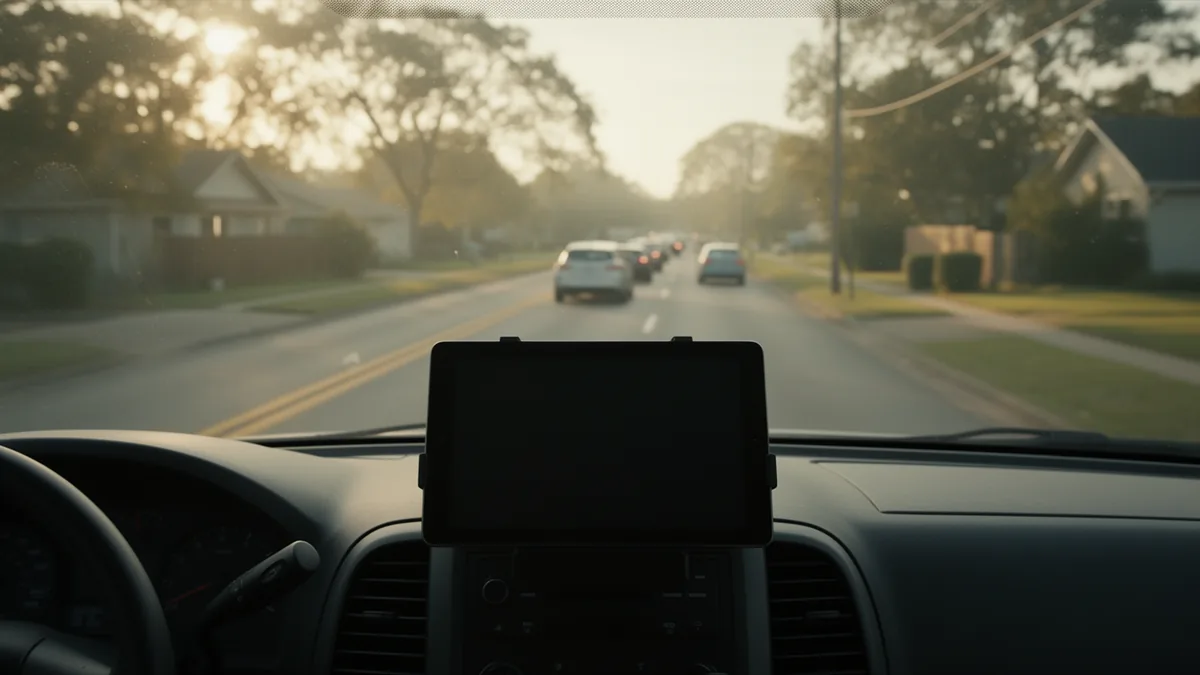
- Call forwarding from any carrier. Keep your number. Forward it to your DispatchLine number conditionally or always, from your carrier’s app or with a dial code. Any US carrier or VoIP provider that offers call forwarding works.
- The appointments board. Every job the agent books lands on the board in the portal, in the arrival window you defined in scheduling, with the caller’s name, number, address and the service they asked for.
- CSV export. Your call history exports to CSV whenever you want it, with caller, phone, outcome and summary for each call. Appointments are not in the export.
- The weekly report email. Every Monday, a summary of the week’s calls and bookings lands in your inbox.
- The lead list. Every caller who did not book is a lead with a one-tap callback from the portal.
- Text confirmations to callers. A caller who agrees on the call gets the booked window by SMS, from one shared DispatchLine messaging number that names your business, with a STOP instruction.
- Email alerts. Booking and emergency alerts reach you by email today. Owner texts are optional and need opt-in and program approval.
How call forwarding works with common carriers
Forwarding happens at your carrier, not in our portal. You choose one of two shapes:
- Conditional forwarding. Your phone rings first. After a set number of rings, when the line is busy, or outside hours you set, the call rolls to your DispatchLine number. This is the usual starting setup for after-hours and overflow.
- Always forward. Every call goes straight to the agent. Useful when you are on a roof and do not want the phone at all.
On many carriers, *72 followed by the number turns unconditional forwarding on and *73 turns it off. AT&T and T-Mobile phones generally use the GSM pattern, **21* for always and **61* for no-answer, ending in #. The exact code and the ring count vary by carrier and by plan, and some VoIP providers do it only in their app, so do not guess: forward your business line has the steps for each major carrier. One step comes first: forwarding unlocks only after your test call. We build the agent and buy your local number, you press Test call, the agent phones you, and the number starts answering when that call ends, if you picked up and stayed on for at least 30 seconds. Then call your own number from another phone; if the agent picks up, you are done. Call answering covers what happens from that first ring.
Working without an integration today
The morning routine for a shop running Jobber, Housecall Pro or ServiceTitan alongside DispatchLine today:
- Open the appointments board. Each overnight booking shows the caller, the address, the window and the service asked for.
- Key each job into your dispatch software from the board; the CSV export is call history, not jobs to import. A quiet night is two or three rows; a storm night might be a dozen, still minutes of typing, not an hour.
- Assign the truck in your own software as you always have. The window the customer was told is on the board, so assign inside it.
- Work the lead list: every caller who did not book gets a one-tap callback.
The board is the record of what the customer was promised; your dispatch software stays the record of who is going. Until an integration carries one into the other, you are the bridge; the call-history CSV export is on the free trial and on every paid plan; pricing lists what each plan includes.
Field service software integration: what is planned
A Jobber connection is in development, and Housecall Pro and ServiceTitan connections are planned. Here is what those words mean on this site, so you are not guessing:
- Planned means it is on our list and we intend to build it. It is not being built today, you cannot turn it on in the portal, and we do not promise a date.
- In development means it is being built now. Still nothing you can turn on in the portal, still no promised date.
- Live means you can turn it on in the portal today. No field-software connection is live.
When one ships, a booking the agent makes becomes a job in your platform, with the customer’s name, phone and the service they asked for, so there is less to key in each morning. Jobber is the one being built now; which of the other two follows is decided by demand: tell us at support@getdispatchline.com which one you run. We will not describe any of these as working until you can switch one on yourself.
Google Calendar sync and webhooks: in development
Google Calendar sync is in development. When it is live, each booking will appear as an event on a calendar you choose, in the same arrival window that is on the board. Today, the appointments board is where every booking lives. Do not plan around a calendar event yet, because none exists.
Webhooks and API are in development. When live, DispatchLine will post every completed call, with caller, outcome, summary and, while recording is on, a link to the recording, to a URL you choose. Until then the CSV export covers call history, and the recordings and transcripts page explains what each call record already holds.
What you control, and what it will not do
You control forwarding at your carrier: which calls roll to the agent and when. You control the board, the windows and hours it books into, exports, and who on your team can sign in; team members are unlimited. What the agent will not do is push a booking into any software today, tell a caller that a job is “in the system” beyond your board, or take a payment or card number on a call. And it will not text a caller who did not agree to a text on the call; SMS confirmations covers the wording and the STOP instruction. If a connection is not in the portal as a switch you can turn on, it is not live, whatever any other page says.
Four trades, one board
- Plumbing: a two-truck shop forwards after hours, keys the two or three overnight bookings into Jobber over coffee, and the customer already knows the window.
- HVAC: during a heat wave, always-forward keeps the office from being the bottleneck; the dispatcher keys the board into ServiceTitan at lunch and at five.
- Electrical: a solo electrician forwards on no-answer, works from the board on the phone, and skips dispatch software entirely.
- Roofing: a roofer forwards on no-answer while the crew is up on a roof, and the inspection requests are on the board, each with a window, when they climb down.
The how it works page has the full call flow, and plans and minutes explains what forwarding more calls does to your minutes.
FAQ
Does DispatchLine integrate with Jobber, Housecall Pro or ServiceTitan?
Not yet. Jobber is in development and the other two are planned; none is live, and none has a promised date. Today you work from the appointments board, and tell support which platform you use.
Is Google Calendar sync available?
Google Calendar sync is in development and is not available in the portal yet. Every booking lives on the appointments board until it ships. We do not promise a date.
Do I have to change my phone number or carrier?
No. You keep your number and forward it to your DispatchLine number from your carrier, either conditionally or always. Any US carrier or VoIP provider with call forwarding works. The forwarding guide has the steps by carrier.
How do I get bookings into my dispatch software today?
Open the board each morning and key the jobs in; the CSV export is call history, not jobs to import. Most nights that is a handful of rows. The board stays the record of what the customer was told; your software stays the record of who is going.
Is there an API or webhook?
Webhooks and API are in development. When live, each completed call will post its caller, outcome and summary, plus its recording link while recording is on, to a URL you choose. Until then, the CSV export covers call history.
Can I forward only after hours or when I am busy?
Yes. Conditional forwarding rolls a call to the agent after a set number of rings, when your line is busy, or outside hours you set at the carrier. Always-forward sends every call. Both are set at your carrier, and the guide shows the codes and app steps.
When does my DispatchLine number start answering?
After your test call. When the setup wizard is finished and your trial or plan has started, we build the agent and buy the local number, and you press Test call so the agent phones you. The number starts answering and forwarding unlocks when that call ends, if you picked up and stayed on for at least 30 seconds, so you set forwarding at your carrier only after hearing it yourself.
Guides that go deeper
- Jobber, Housecall Pro and ServiceTitanNone are live yet. Jobber is in development, and Housecall Pro and ServiceTitan are planned: what will sync when each ships, and how to…
New field guides by email
Guides for home-service businesses on answering calls, call triage and after-hours coverage: the title, a short summary and a link for up to six of the newest guides on this site. At most one email every 30 days.