Emergency rules: keywords, actions and alerts
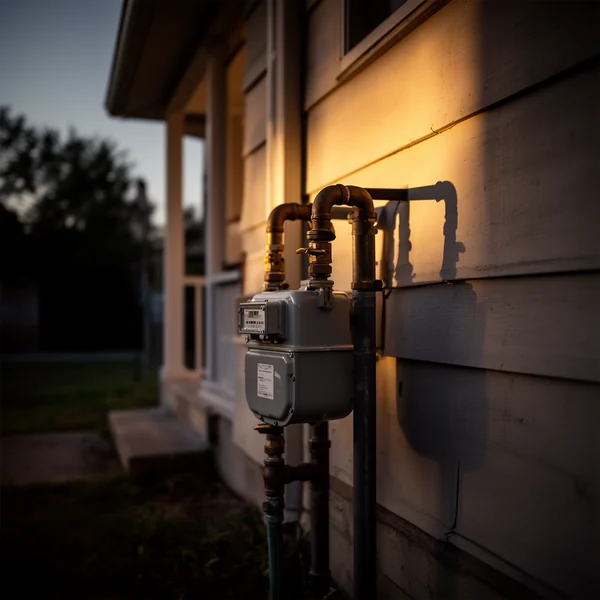
An emergency call is any call in which the caller’s first sentences contain one of your emergency keywords, or in which the caller describes a safety issue or a vulnerable person in a no-heat / no-cool situation. Emergency mode changes what the agent says and does. The emergency triage feature page gives the overview; this page covers the settings.
Keywords
Each trade starts with a default list. Edit it under Agent → Emergencies.
| Plumbing | HVAC | Electrical |
|---|---|---|
| flooding, burst pipe, sewage backup, no hot water, water everywhere, gas smell, leaking ceiling | no heat, no cooling, no ac, gas smell, burning smell, carbon monoxide, furnace not working | sparks, burning smell, smoke, panel buzzing, breaker keeps tripping, no power, exposed wire |
Matching is flexible: “there’s water all over the floor” matches “flooding”.
What the agent does first
Before booking, it gives the single safety instruction for the situation: where the main shutoff is, switch the system off at the thermostat, don’t touch the panel. If the caller mentions a gas smell, smoke, fire or a CO alarm, it tells them to leave the building and call 911 (for a gas smell, the gas utility’s emergency line, from outside) before anything else.
The three actions
- Book and alert (default). Offers the earliest open window, states your after-hours fee sentence, books, tells the caller a technician will call back within 15 minutes, and sends alerts.
- Transfer live. “I’m connecting you now.” Rings your on-call number; if there is no answer, falls back to taking details and alerting.
- Take details. Name, phone, address and a description; promises a callback within 15 minutes; alerts go out as soon as the call is analyzed, usually within a minute.
Alerts
Under Team, each member has a cell number and an “emergency alerts” toggle. Everyone with it on gets an email, and a text if they opted in to text alerts, with the caller’s number, address, summary and a link to the call. Alerts go out once the call has ended and the transcript has been analyzed, usually within a minute. On a live transfer the on-call technician already has the caller on the line, and the alert with the address and summary follows the call.
How an emergency gets a slot
Nothing is held back for emergencies. The emergency slot the agent books is simply the earliest window that is still open, so a routine caller who books first gets it. What an emergency does change is the calendar: on a day you have marked closed, an emergency call can still be booked between 7 AM and 9 PM. Arrival windows and hours covers how the windows are built from your hours.
Reviewing
Emergencies are flagged in the call log and counted in reports. If the agent flags something that wasn’t an emergency, change the outcome on the call and consider tightening the keyword.
New field guides by email
Guides for home-service businesses on answering calls, call triage and after-hours coverage: the title, a short summary and a link for up to six of the newest guides on this site. At most one email every 30 days.